Authenticity Labels
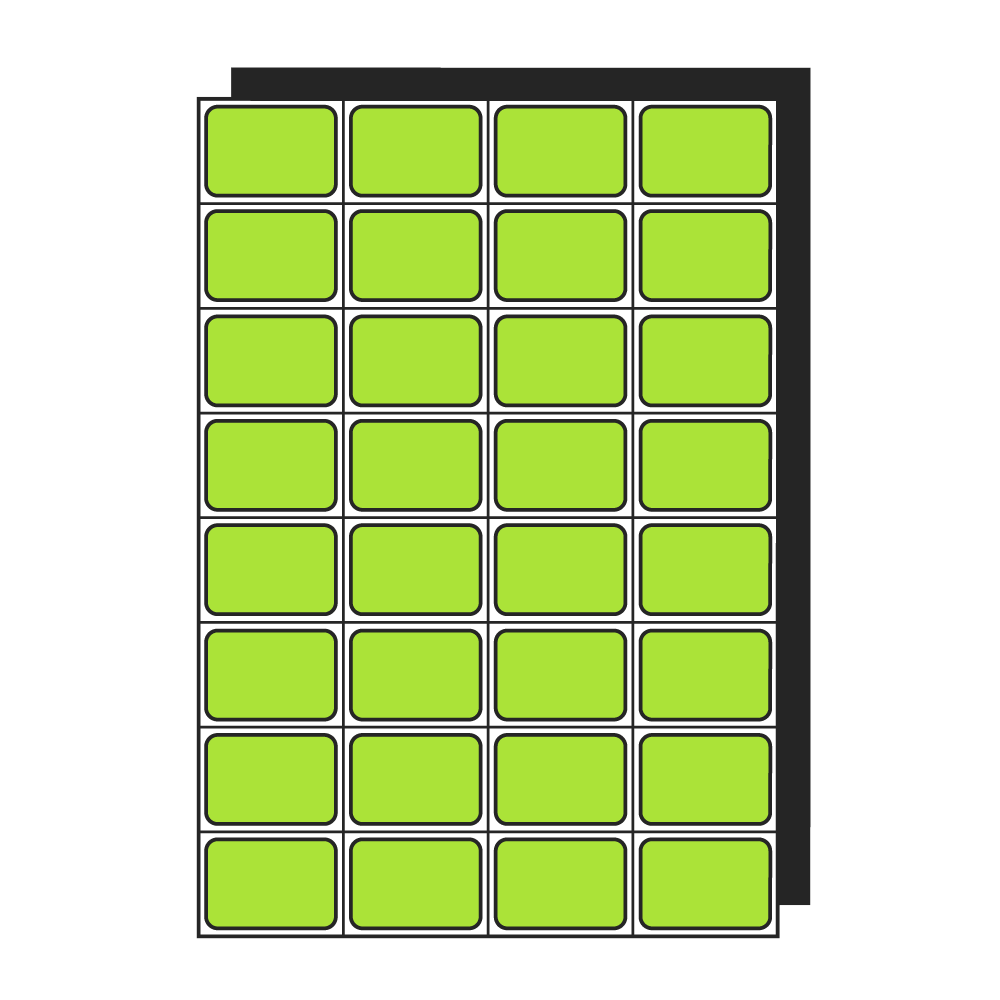
Price is per label, supplied on sheets. Price excludes VAT.
Available in:
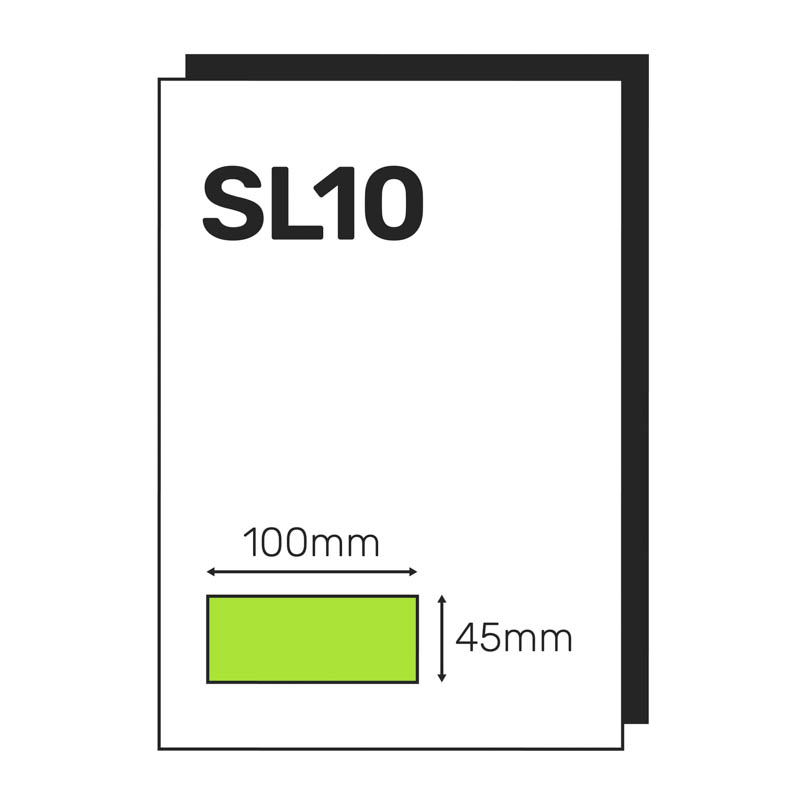
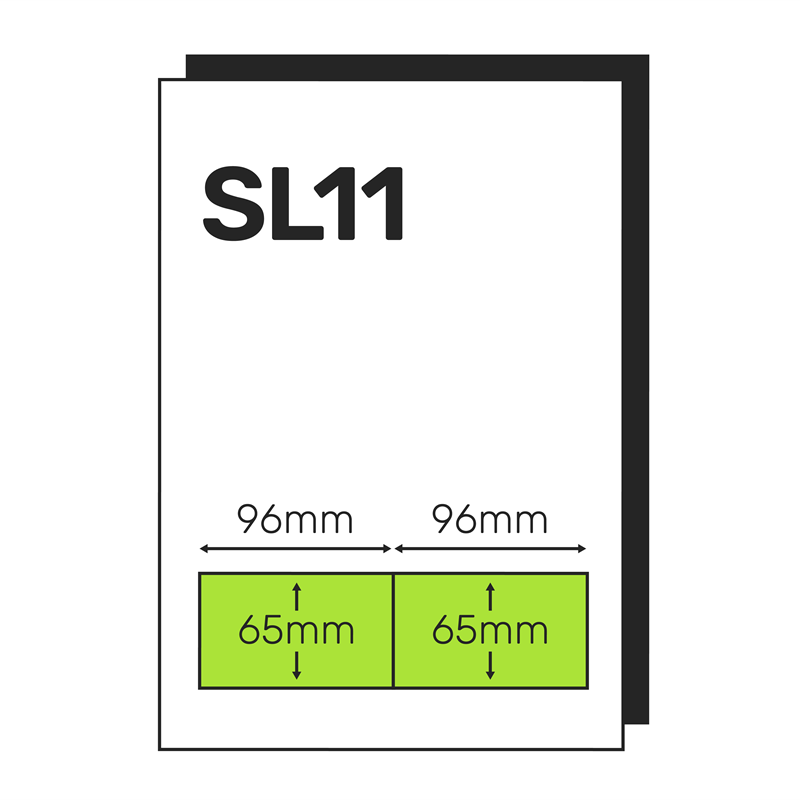
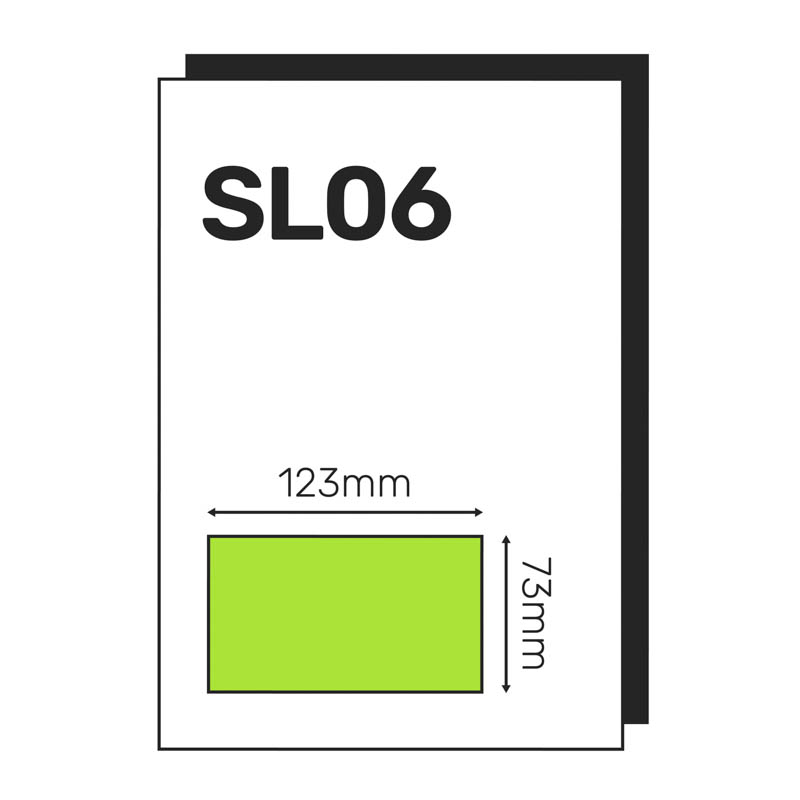
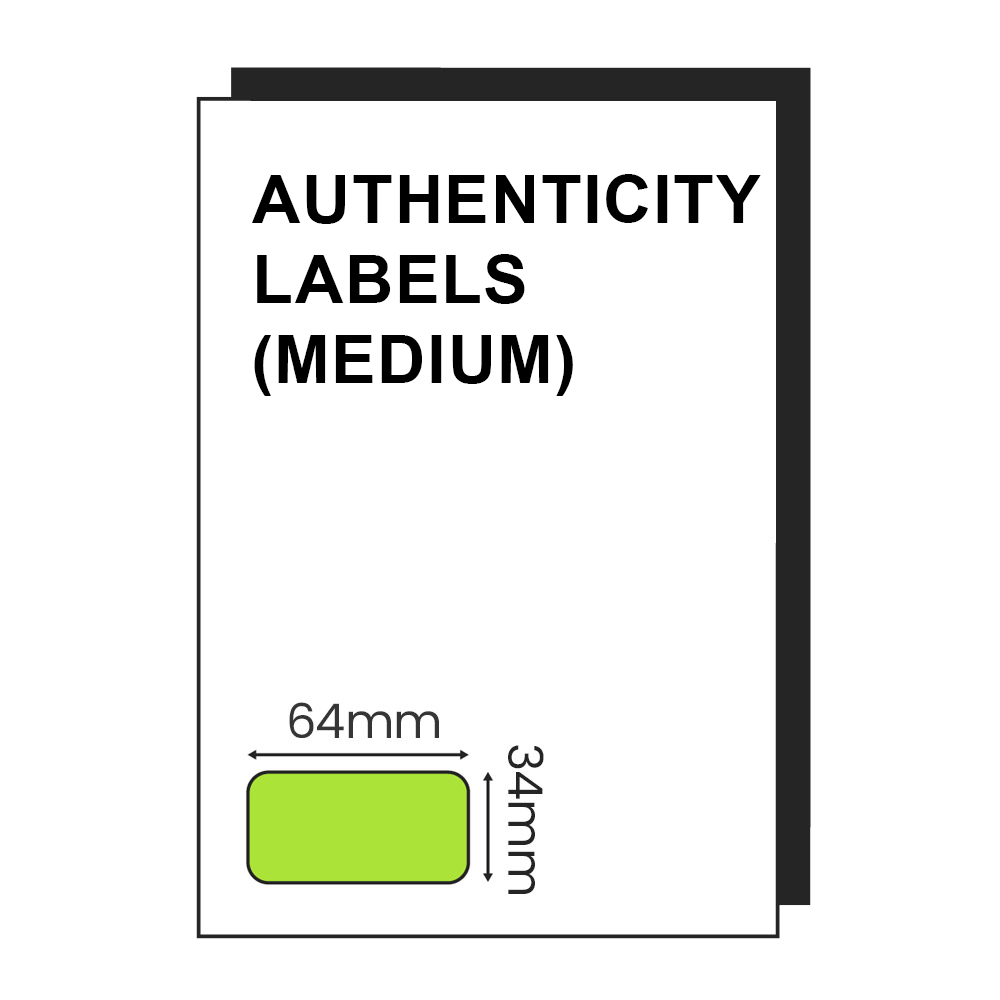
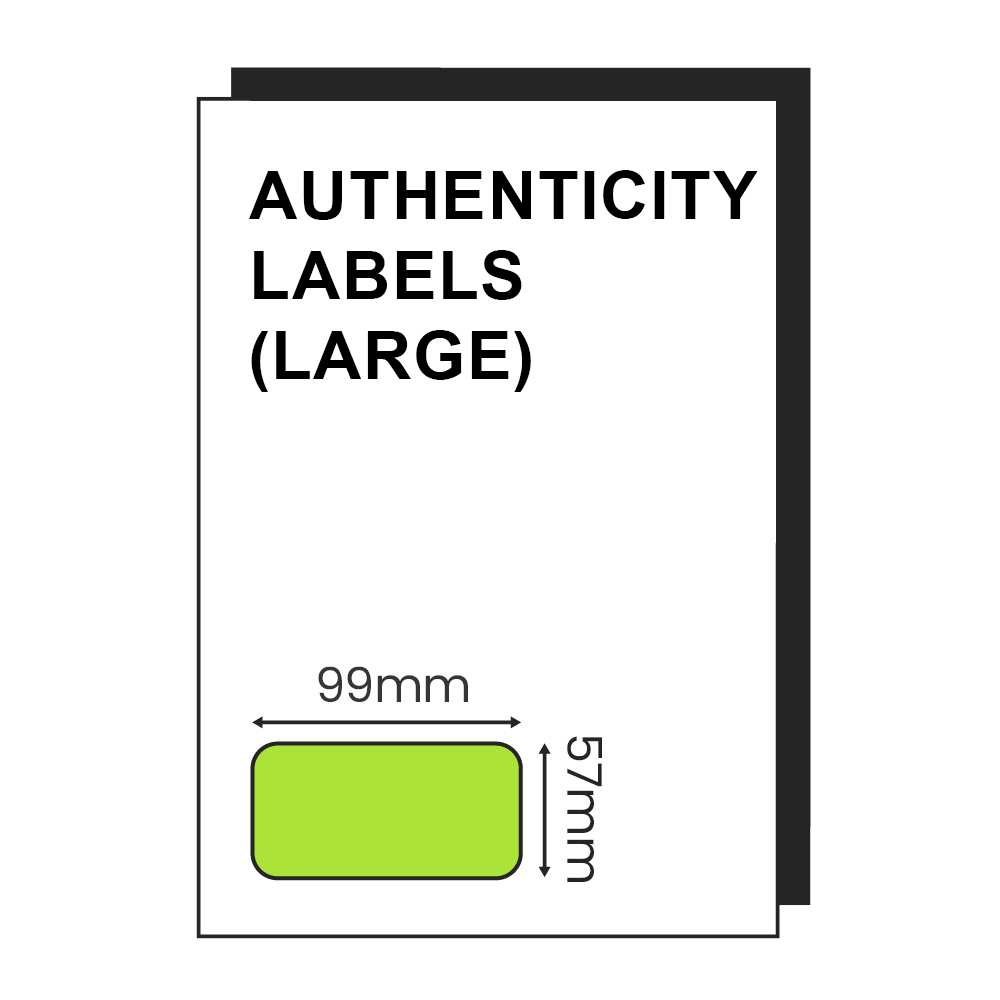
Large – 99mm x 57mm
Medium – 63.5mm x 33.9mm
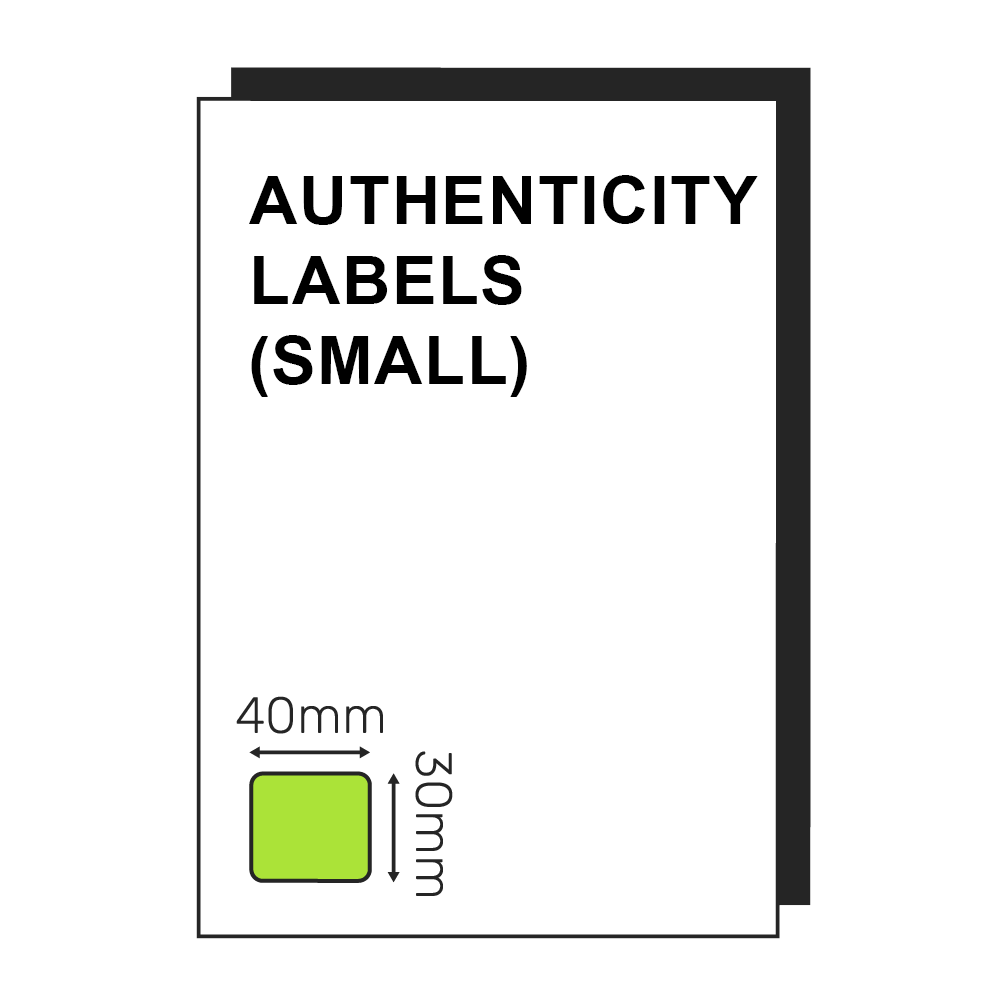
Small – 40mm x 30mm
Please upload your product data below, you can download a sample here.
For different Authenticity labels, please select your label size, upload your file, select the quantity and add to basket. Then repeat the process for each Authenticity Label / Upload. If you would like your logo added to your stickers, please upload a print ready version and we will try our best to make it work. A text area is available on medium and large labels, or the authenticity code will be printed centrally. As all authentication and security stickers are custom printed, please allow an additional 24 hours for delivery. Thank you
Price range: £0.08 through £0.09 ex VAT
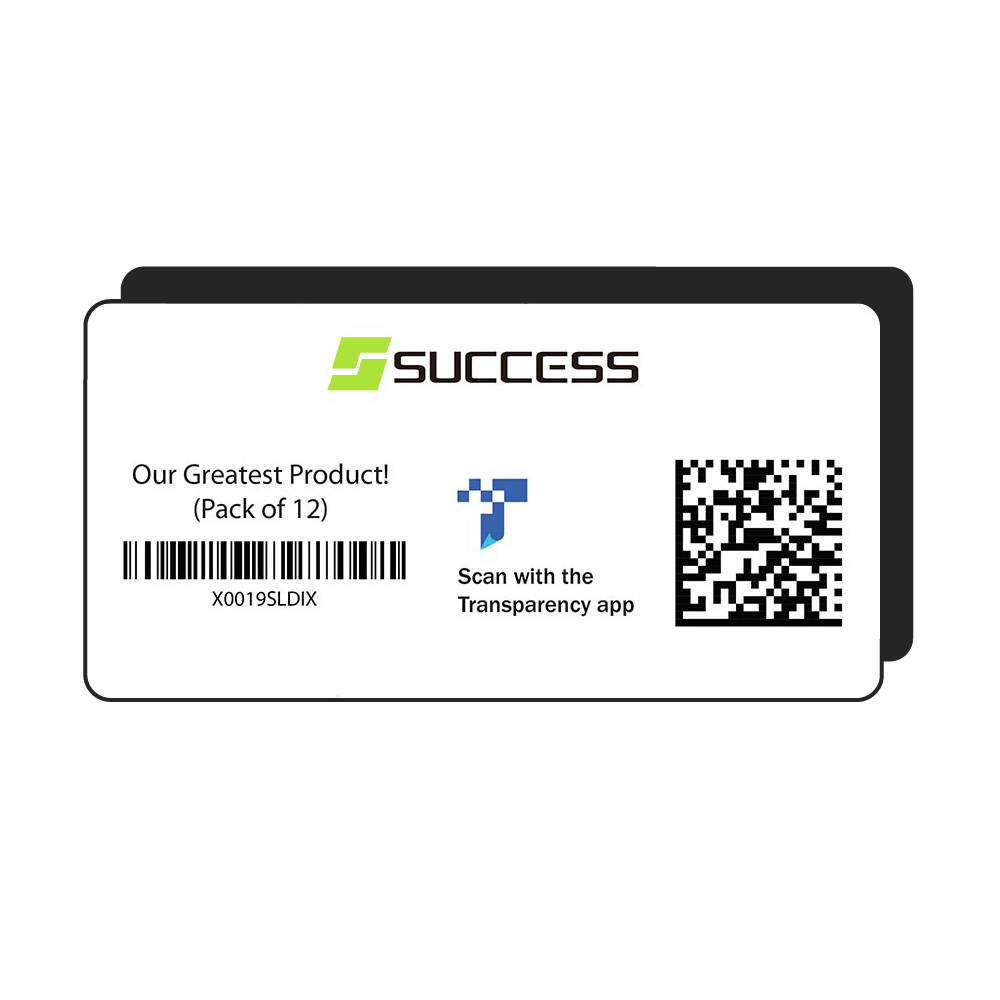
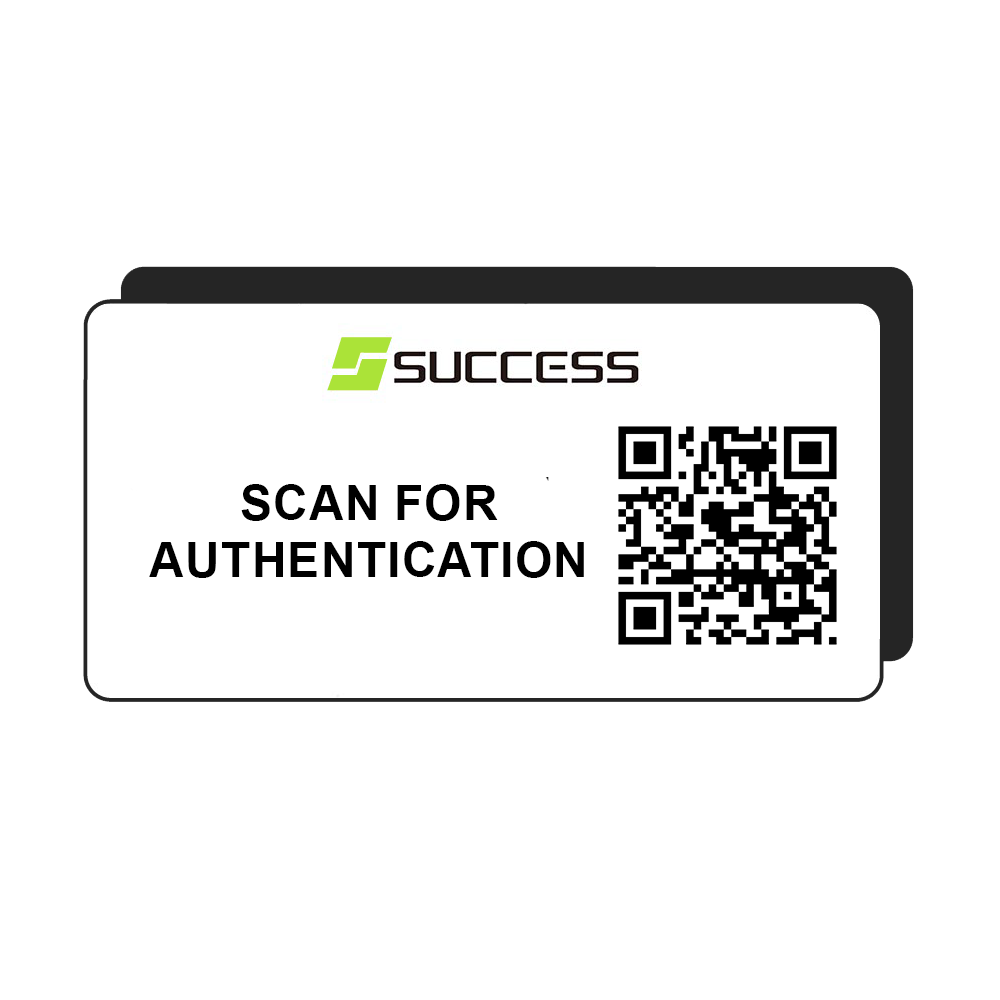
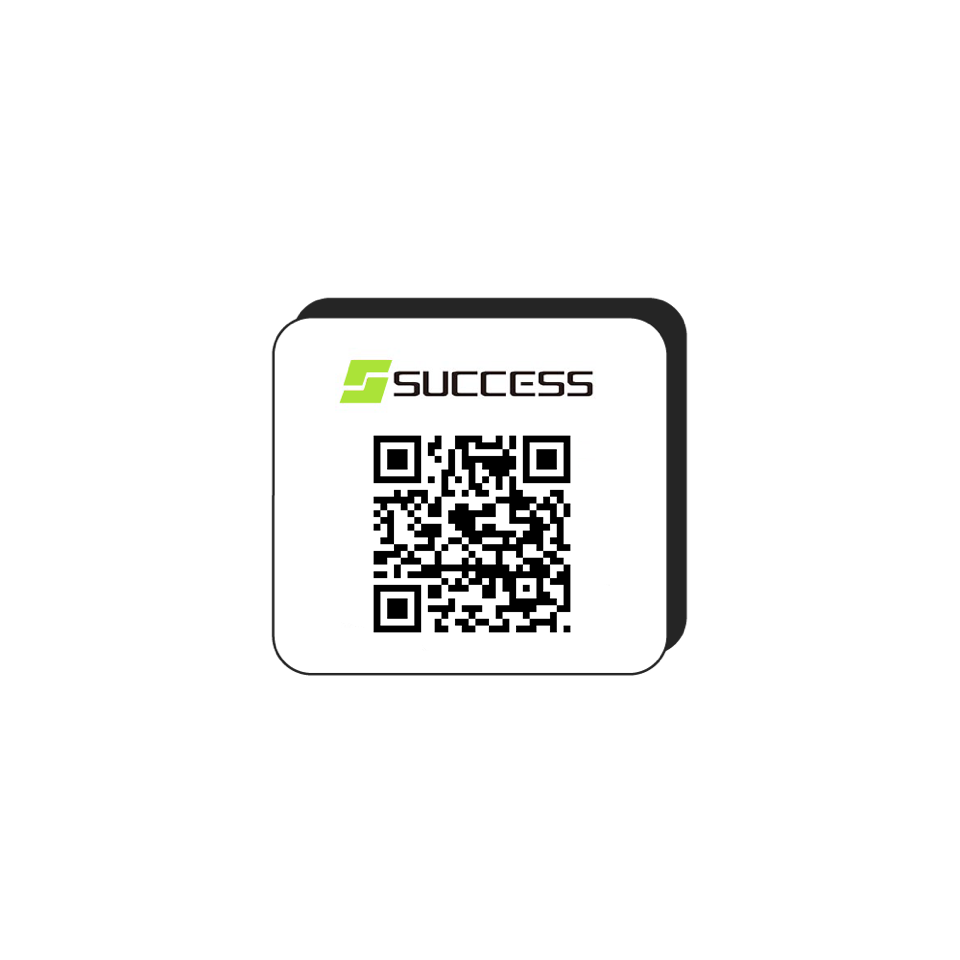
Authenticity labels are appearing everywhere as brands struggle to protect their IP and fight against counterfeit and fraudulent products. Our safety authentication stickers feature your brand mark and a QR code which allows you to send the customer to any URL or place of your choosing. In the simplest form, this may just be a page on your website confirming that they have bought a legitimate products but could go as in depth to register each individual product on your website when scanned to start a warranty period. We offer three different sizes of authenticity stickers which include your company logo, QR code and free text on medium and large sizes.
For different Authenticity labels, please select your label size, upload your file, select the quantity and add to basket. Then repeat the process for each Authenticity Label / Upload. If you would like your logo added to your stickers, please upload a print ready version and we will try our best to make it work. A text area is available on medium and large labels, or the authenticity code will be printed centrally. As all authentication and security stickers are custom printed, please allow an additional 24 hours for delivery. Thank you
As well as our authenticity labels which are printed on self adhesive labels as standard, these authentication codes can be printed on clothing tags, swing tickers and woven washcare labels for that higher end product.

For more information about authenticity label printing and to get a quote for bespoke authentication printing, give us a call on 01502 539004 or email sales@pickitpackit.co.uk.
Website Ordering Guide
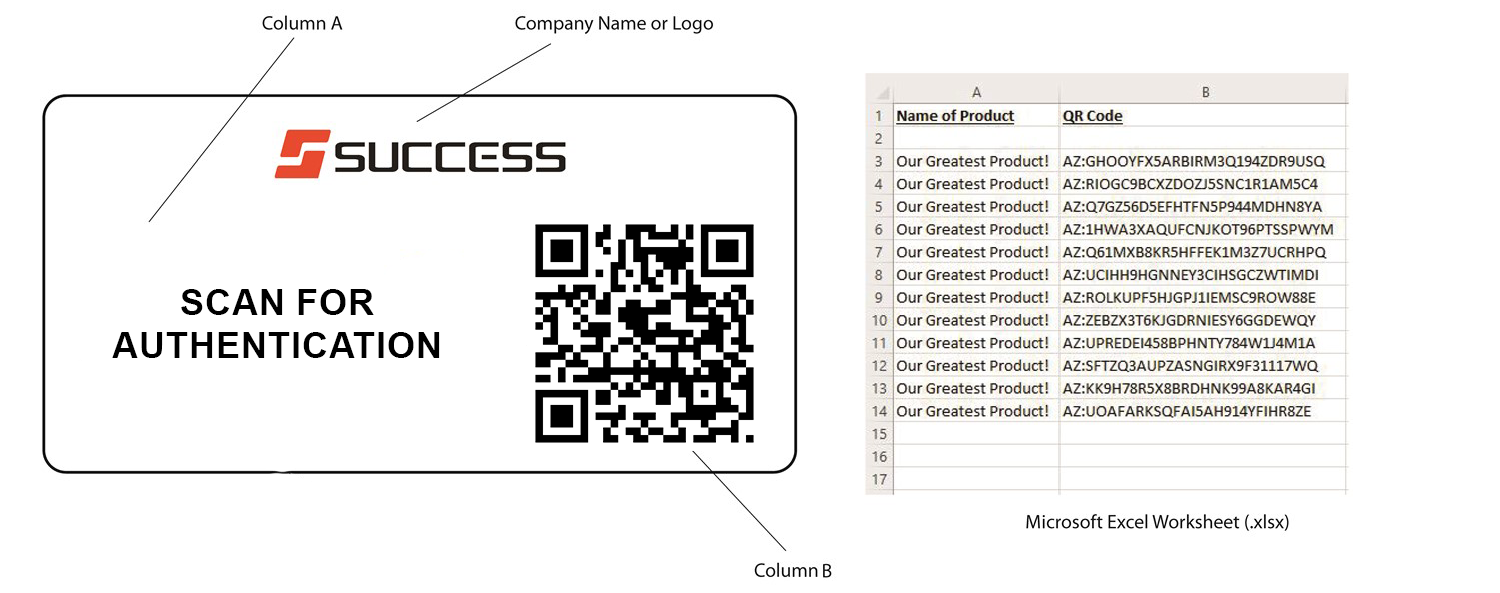
To process your authenticity labels, we just need a spreadsheet with information on it:
– The name of your product or free text area (for medium and large labels if required).
– The QR code.
– Your logo or brandmark.
On the ordering page above, there is a link stating:
Please upload your product data below, you can download a sample here
If you click on that link, you’ll get a sample of the spreadsheet we require.
You can delete the information that will be in there and add your own.
When you’ve done this, you can drag the completed spreadsheet to the box underneath
that link, or click on it and select the file from where you have it saved.
Work out the quantity of labels you need
Add that number to the box below.
Click ‘add to basket’.
Click on the shopping cart at the top of the screen and add your delivery / payment details.
That’s it!